
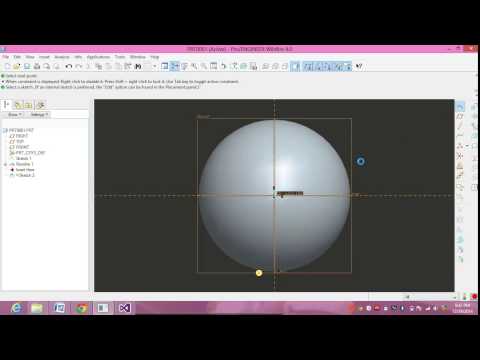


Multi-Section Surface- Simple form - CATIA
 Multi-Section Surface- Simple form - CATIA
Step 1: Goto Mechanical Design > Wireframe & Surface design…. Step 2: Click on Plane select offset Icon and set specified dim...
Catia,Part Design tool
 Catia,Part Design tool
Pad Step 1: Goto Mechanical Design > Part Design…. Step 2: Select the plane and click of Sketch Task Environment and i...
How to create a Multi-Pad in CATIA
 How to create a Multi-Pad in CATIA
How to Create a Multi-Pad Step 1: Goto Mechanical Design > Part Design…. Step 2: Select the plane an...
How to Create a NUT in CATIA
 How to Create a NUT in CATIA
How to Create a NUT Step 1: Goto Mechanical Design > Part Design…. Step 2: Select the plane and click of Ske...


How to create a Rotate Surface in CATIA
 How to create a Rotate Surface in CATIA
Rotate Surface. Step 1: Goto Mechanical Design > Wireframe & Surface design…. Step 2: Select the plane and click of...
How to create a Translate Surface in CATIA
 How to create a Translate Surface in CATIA
Translate Surface. Step 1: Goto Mechanical Design > Wireframe & Surface design…. Step 2: Select the plane and click ...
How to create a Symmetric Surface in CATIA
 How to create a Symmetric Surface in CATIA
Symmetric Surface. Step 1: Goto Mechanical Design > Wireframe & Surface design…. Step 2: Select the plane and click of...
Subscribe to:
Posts (Atom)